
Plugin expires unnoticed
WP Rocket or ACF Pro expires. Updates stop, security patches no longer roll out — and you only notice when a client complains or the site breaks.
For web developers & agencies
WP Rocket, ACF Pro, Gravity Forms, your domain names — paid web licenses expire quietly. Licenzy links every license to a domain so you always know what is running per website and when action is needed.
The problem
A web design agency managing ten client sites quickly accumulates forty paid licenses spread across emails, spreadsheets and notes.
WP Rocket or ACF Pro expires. Updates stop, security patches no longer roll out — and you only notice when a client complains or the site breaks.
A domain registration lapses, the website goes offline. The registrar sends an email, but it gets lost in a busy inbox and only surfaces after it is too late.
Which plugins did you buy for clientsite.com? And for the other one? Without a central overview this takes time to figure out every single time.
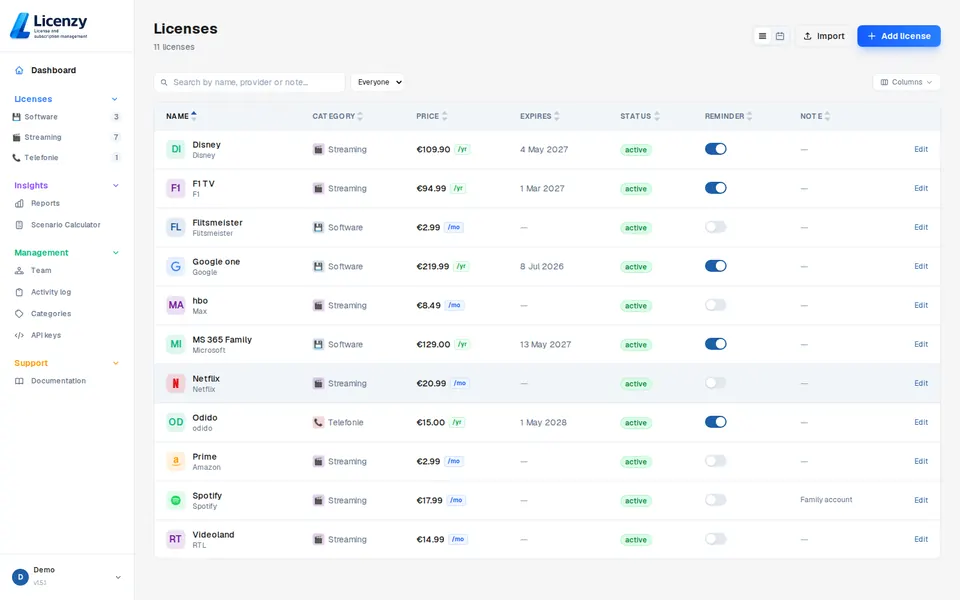
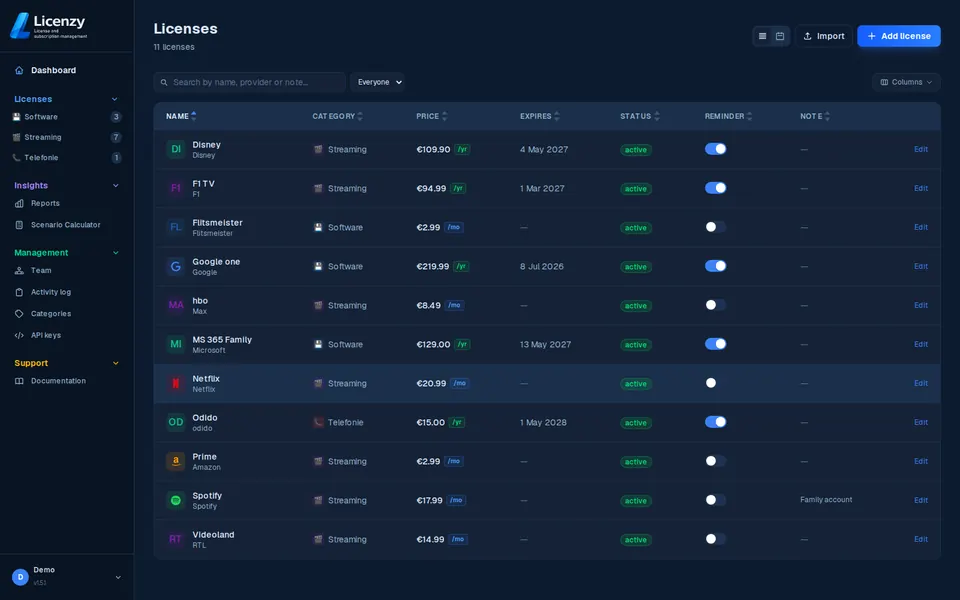
When adding a license, optionally fill in a domain name. Licenzy then automatically groups everything belonging to the same domain. A filter in the overview shows all licenses for one website in a single click.
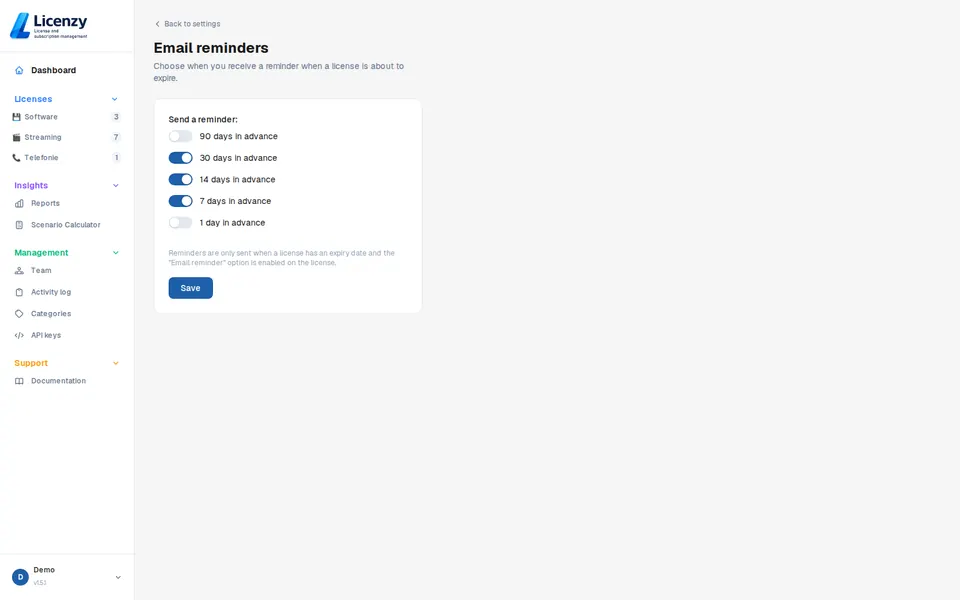
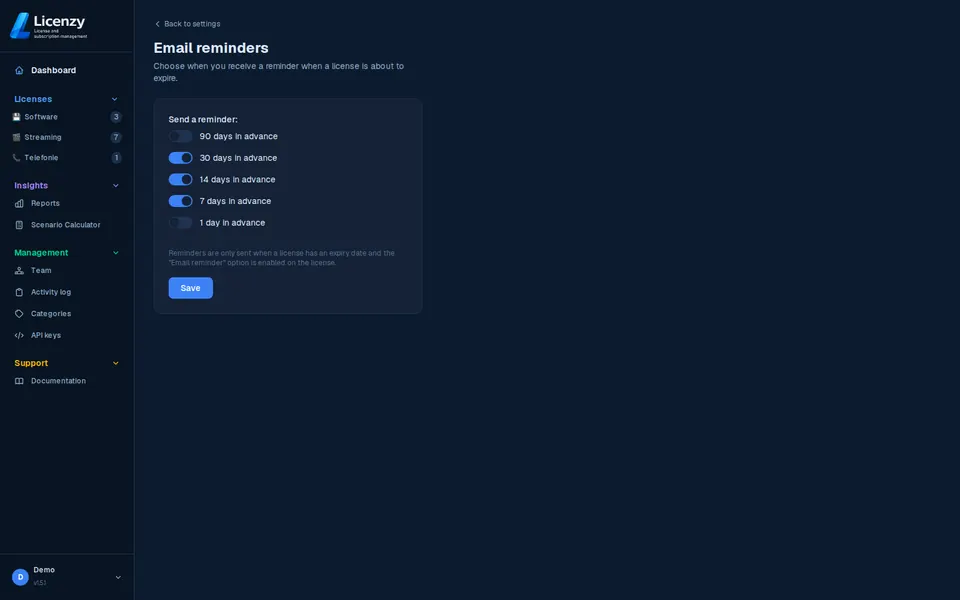
Set how many days in advance you want a notification per license — 30, 14 or 7 days. You always have time to renew, switch or inform the client before anything breaks.
Available in Solo and above
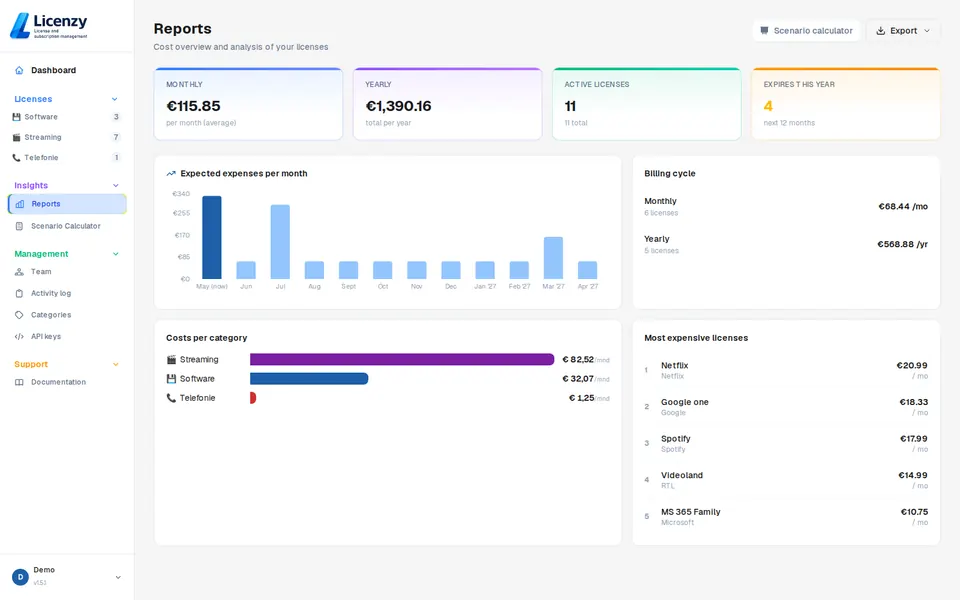
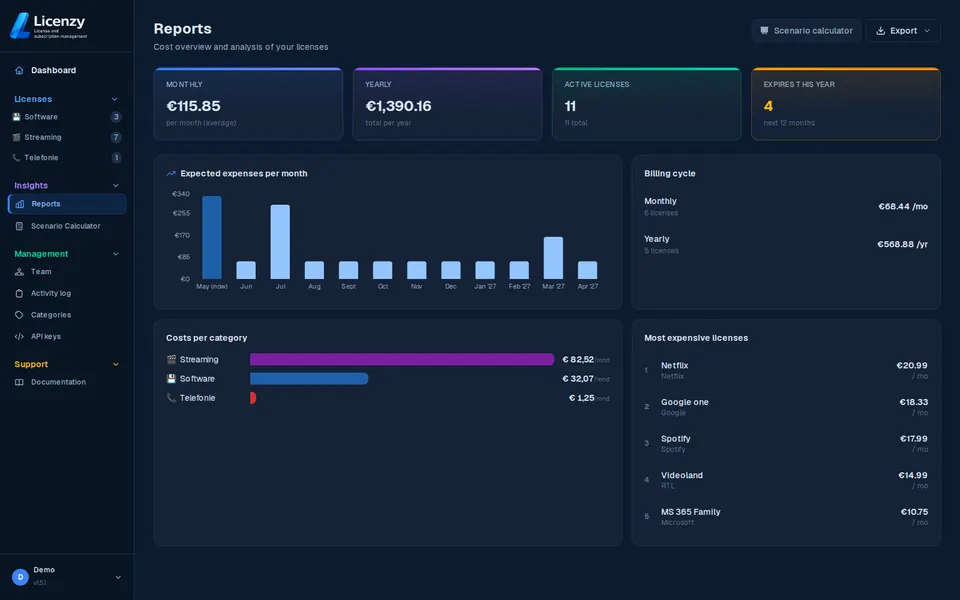
Licenzy reports show how much you spend on web licenses, broken down by category. Use categories per client to keep costs trackable per project.
Available in Solo and above
What you can add
Everything with a renewal date and a price belongs in Licenzy. Here are the most common categories for web developers:
WP Rocket, ACF Pro, Gravity Forms, Yoast Premium, Elementor Pro, WPML, WooCommerce extensions and all other paid plugins.
Premium WordPress themes, Divi, Avada, GeneratePress Premium — annual renewals for updates and support.
Domain registrations at GoDaddy, Namecheap, Cloudflare Registrar or other registrars. Annual renewals that take a site offline if you miss them.
Hosting packages, managed WordPress hosting, CDN subscriptions and SSL certificates that need annual renewal.
How to get started
Create a free account and add your plugins, themes and domain names. Use the CSV import if you already have an existing list.
Optionally fill in the domain name for each license (e.g. clientsite.com). A domain filter then appears automatically in the overview.
Choose when you want to be notified for each license. No more expired plugins or offline domains catching you off guard.
Start free and keep all web licenses organised by domain in one place.